
SberBox Review: The Ultimate TV Companion?
add_circle الإيجابيات
- The SberBox lets me stream content from my phone or laptop to the TV in seconds - it's seriously convenient!
- The device is super compact, so it won't clutter up my entertainment center.
- Setting it up is a total breeze - just plug it in and go!
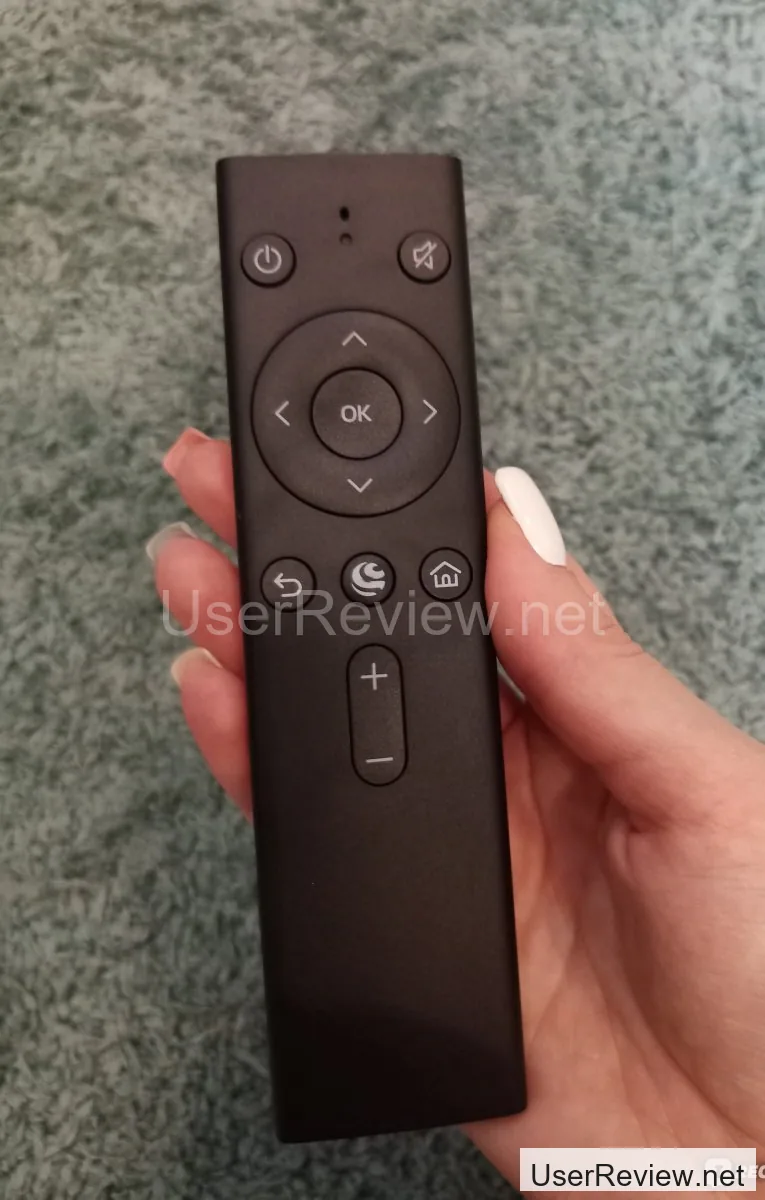
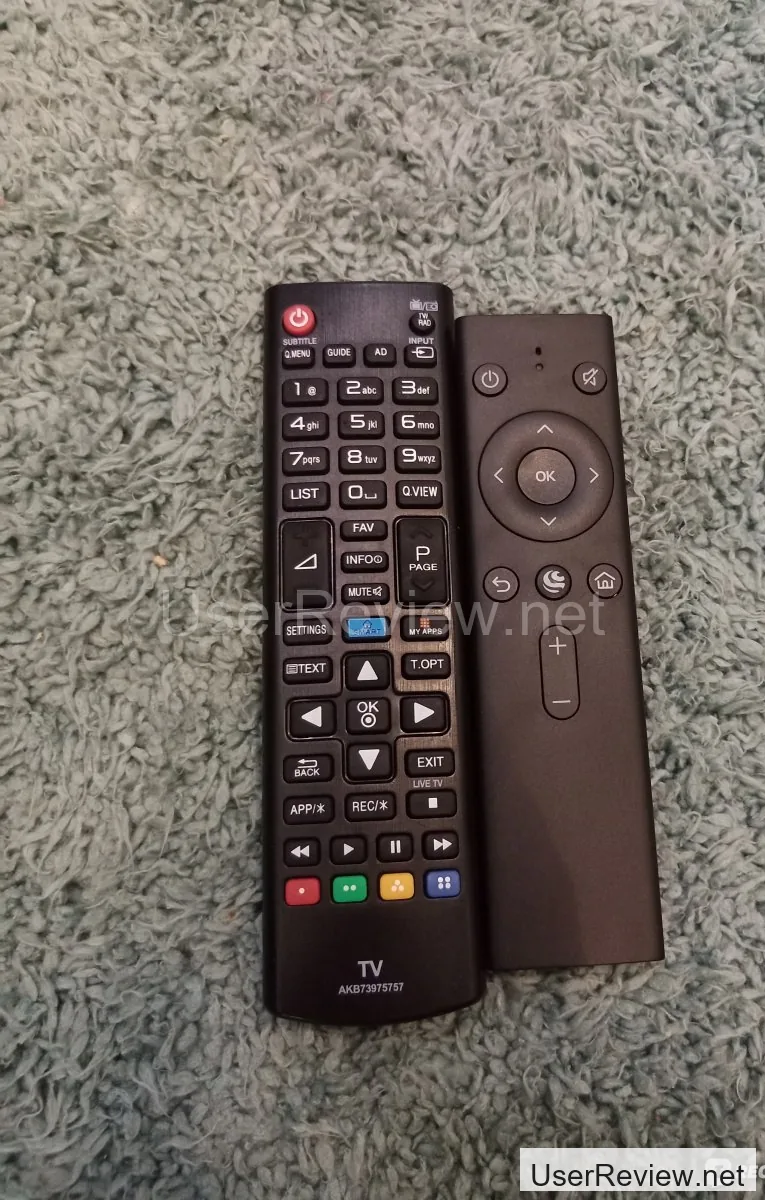
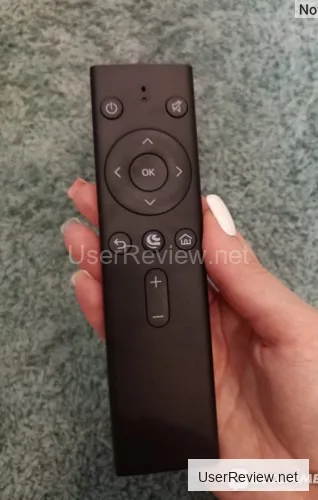
- The remote control is super intuitive and comes with the package.
- The SberBox is a total time-saver, since I can access all my favorite streaming services from the comfort of my couch.
- The device is relatively affordable, especially considering the features it offers.
remove_circle السلبيات
- You have to pay extra for some of the premium features, which can add up quickly.
- The SberBox doesn't come with built-in speakers, so you'll need to hook it up to your TV's audio system.
- I wish the device came with more storage space, since I have a ton of movies and TV shows stored on my phone.
- The power adapter could be a bit longer, since it's a bit of a stretch to reach the back of my TV.
- I've had some issues with the SberBox freezing up on me, but I think that's just a software glitch.
المعرض





Editor's Summary
I gotta say, the SberBox has been a total game changer for my TV-watching experience. It's super easy to set up and use, and the remote control is a breeze to navigate. But, as with any device, there are some pros and cons to consider. In this review, I'll break down the good, the bad, and everything in between.
Specifications
I got approached by a Sberbank rep in April 2022 to sign up for a SberPrime subscription, which would give me some sweet perks on other Sber products. I thought, why not? But as time went on, I realized it'd be way more convenient to use the subscription from my TV, rather than my laptop or smartphone. But, of course, my TV is super basic and not smart. What's a girl to do? Luckily, Sber came to the rescue.
The SberBox is a device that lets you turn your dumb TV into a smart one in no time.
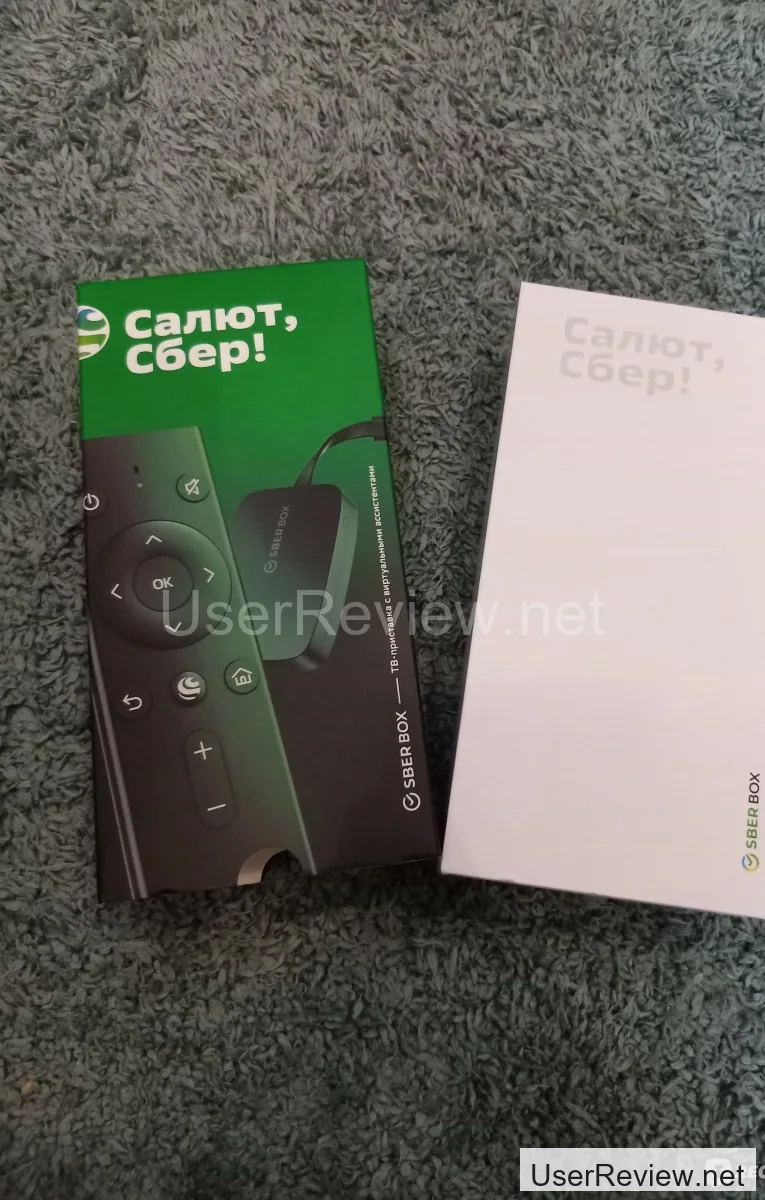
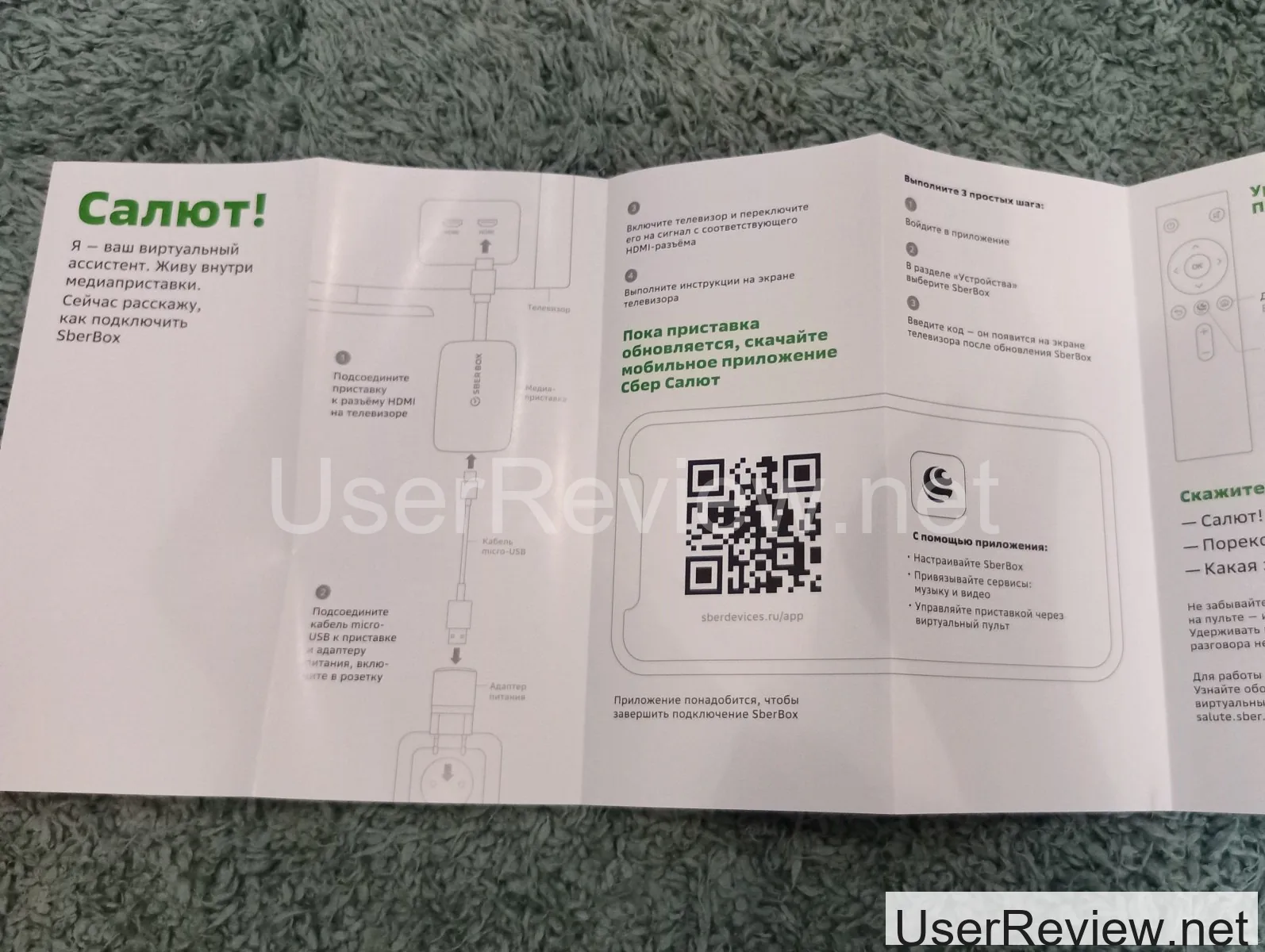
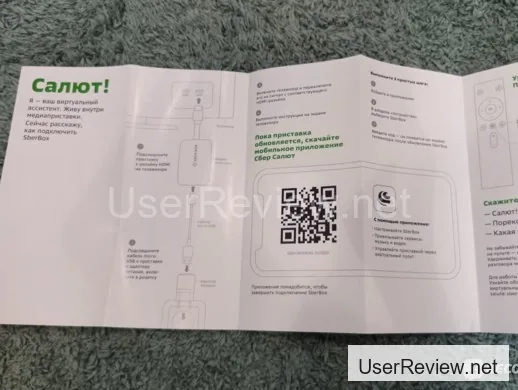
The SberBox comes with the bare essentials: the device, a remote, and a power adapter with a cable. It's a breeze to set up - just plug the device into your TV's HDMI port and leave it be. The power adapter connects to the device and plugs into the wall.
The rest of the setup is a piece of cake, thanks to the on-screen prompts. Nothing too complicated there. Plus, the device downloads and installs updates the first time you connect it, which takes about 5 minutes (if you've got a decent internet connection).
You'll also need to download the 'Salyut - Virtual Assistants' app on your phone and log in with your Sber ID (if you're a Sber customer, you've already got one).
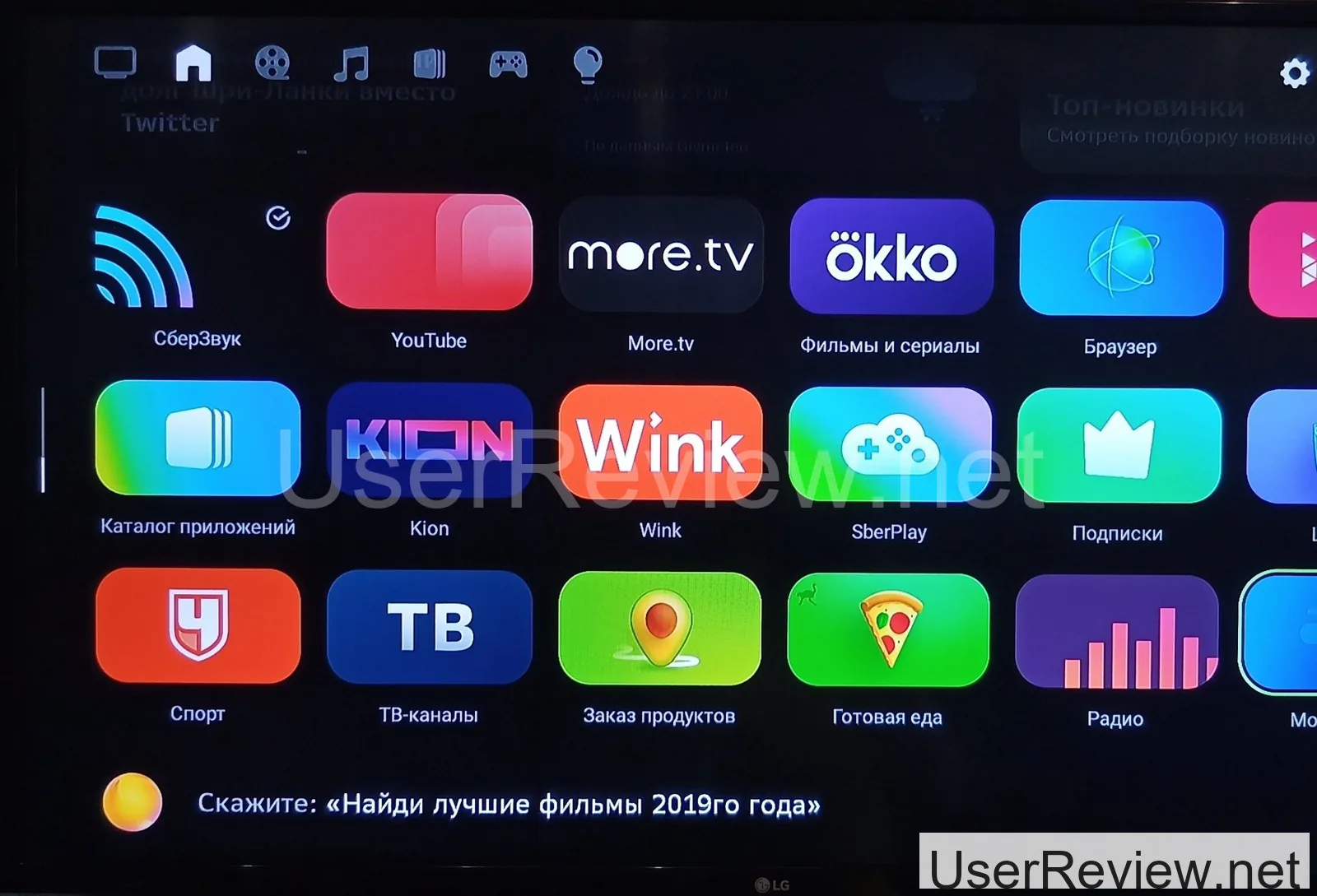
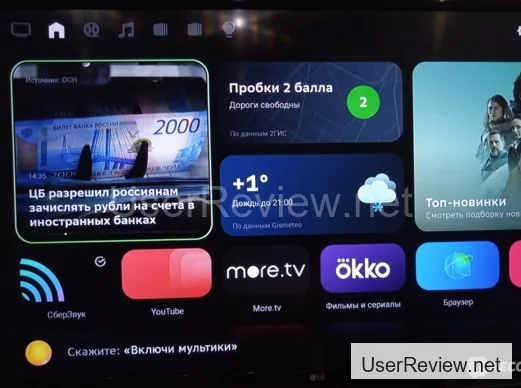
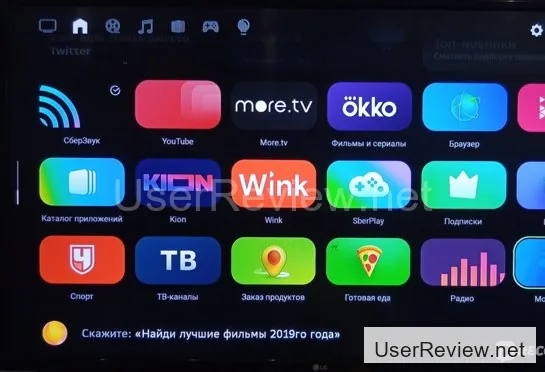
The interface is super intuitive - even a kid could figure it out.
I won't go through all the sections, but I'll give you the lowdown on the ones I use most.
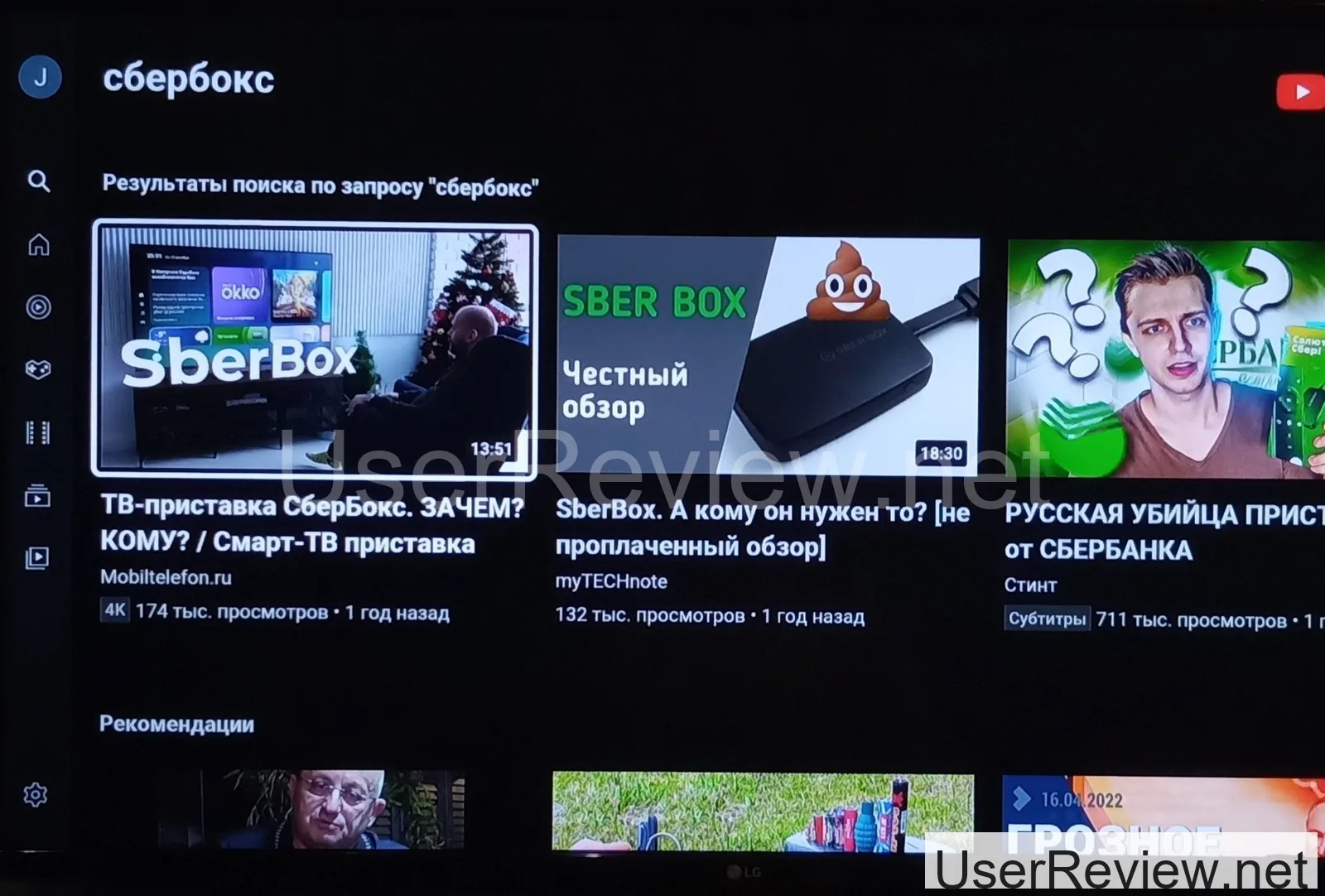
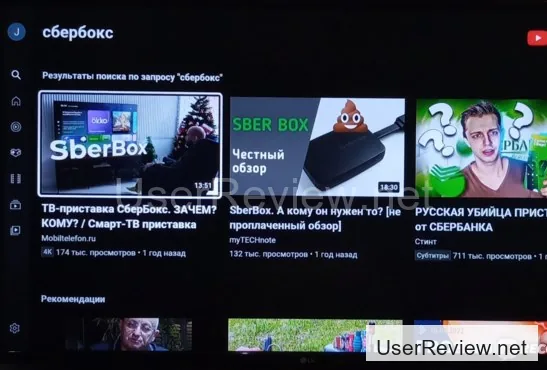
YouTube's been a total game-changer for me when it comes to SberBox. I can log in with my account in seconds, and the main features are all there. I've been stoked to find that it works like a charm even with my 80-90 Mbps internet speed - thanks to my trusty Xiaomi Mi Router 4A.
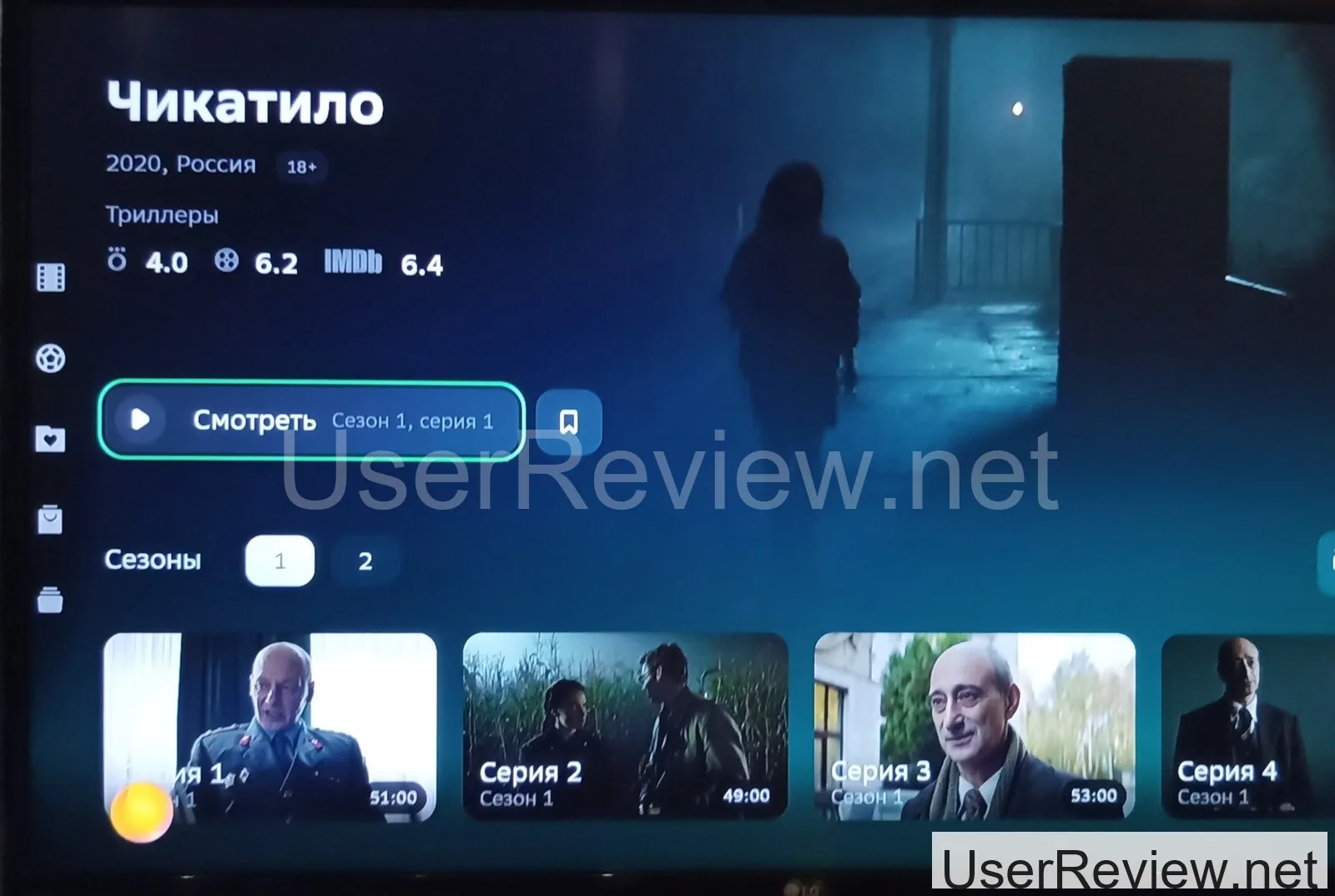
Okko's been a great find for me - it's a subscription-based service with some awesome content.
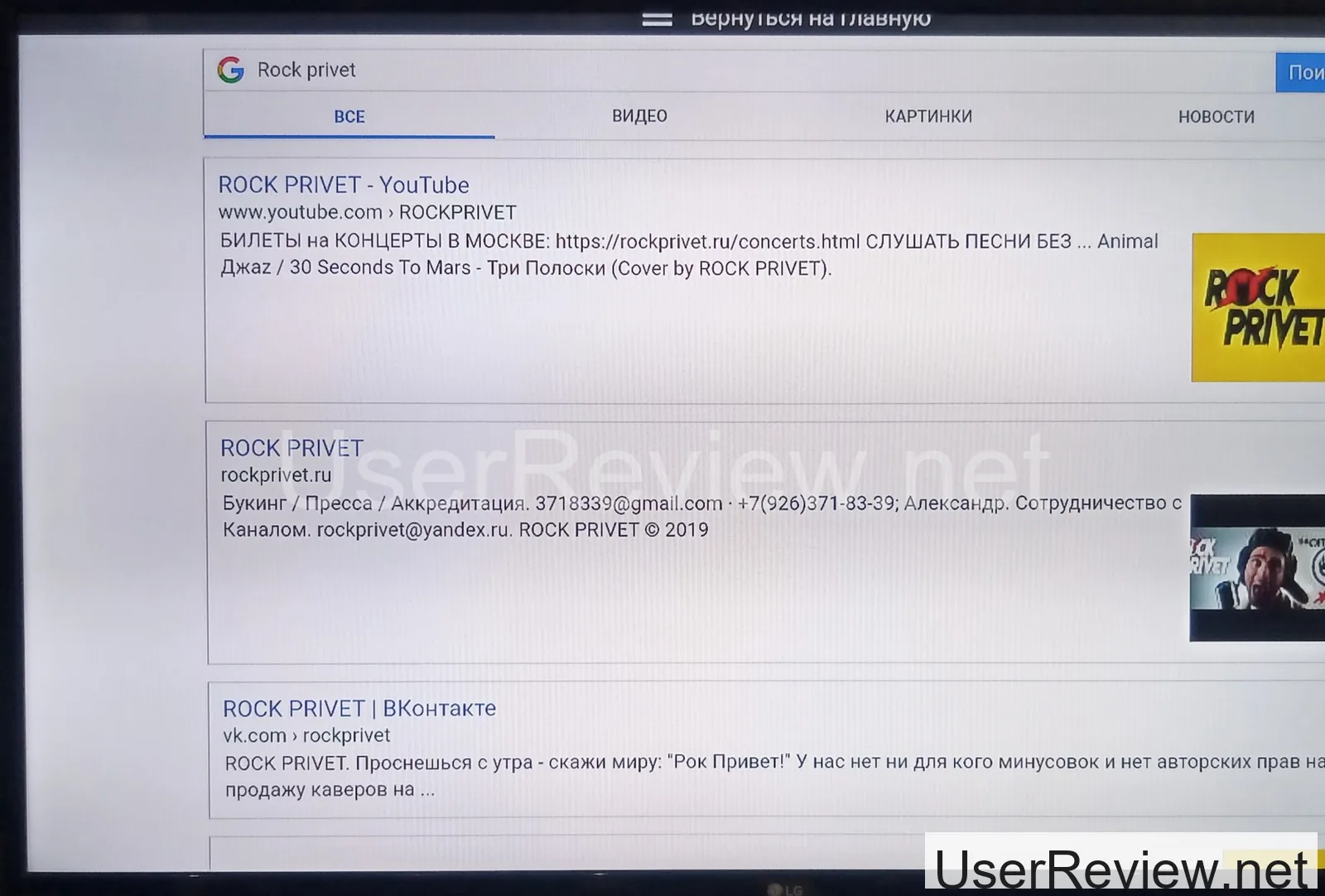
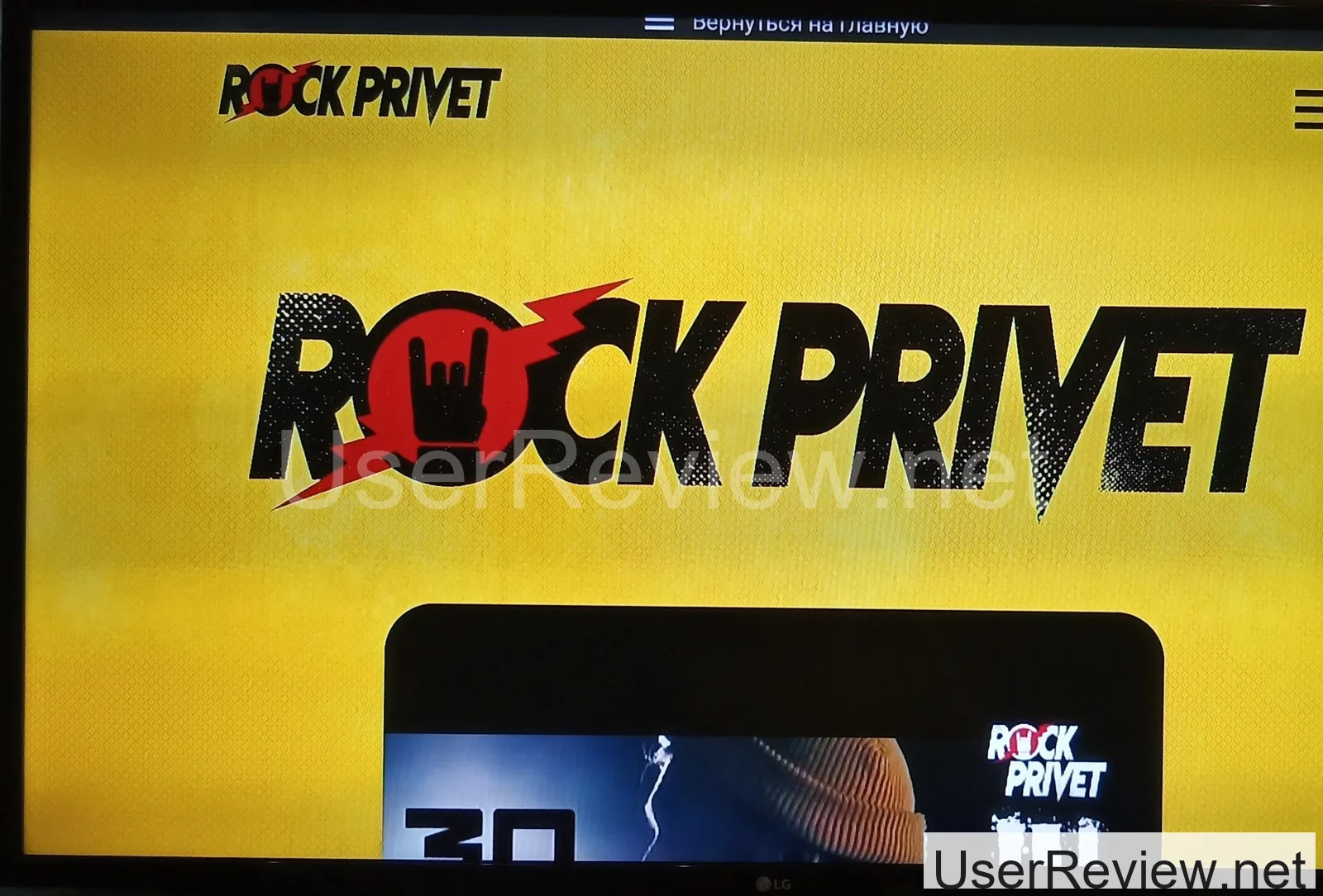
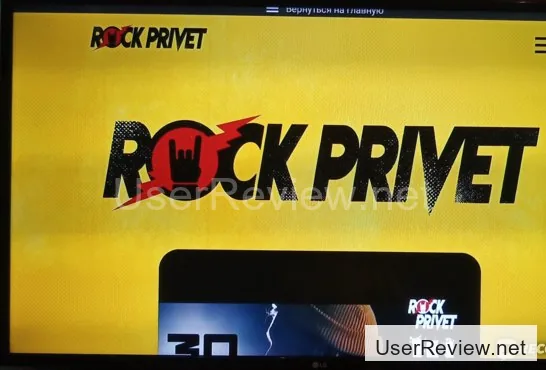
The browser's another winner in my book. I can just use voice commands to find what I'm looking for in no time.
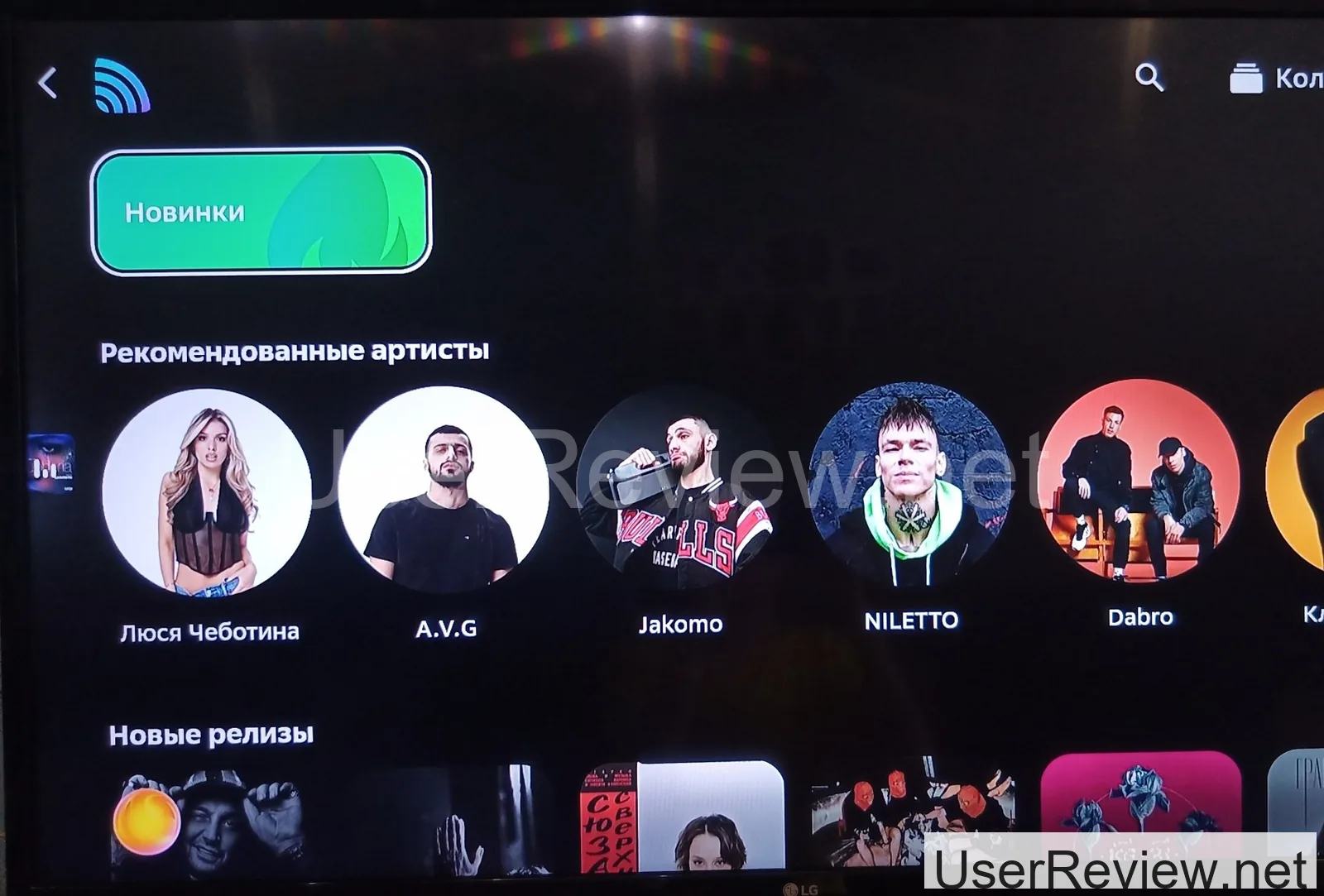
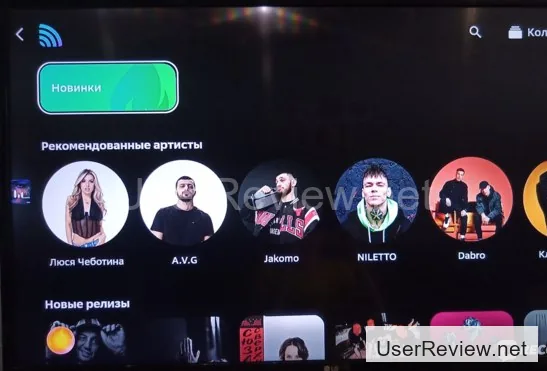
SberZvuk's another favorite of mine. I can search for specific artists, browse playlists, or just chill to some tunes. Plus, many English tracks come with lyrics, which is a total bonus for karaoke lovers like me. It's also a subscription-based service.
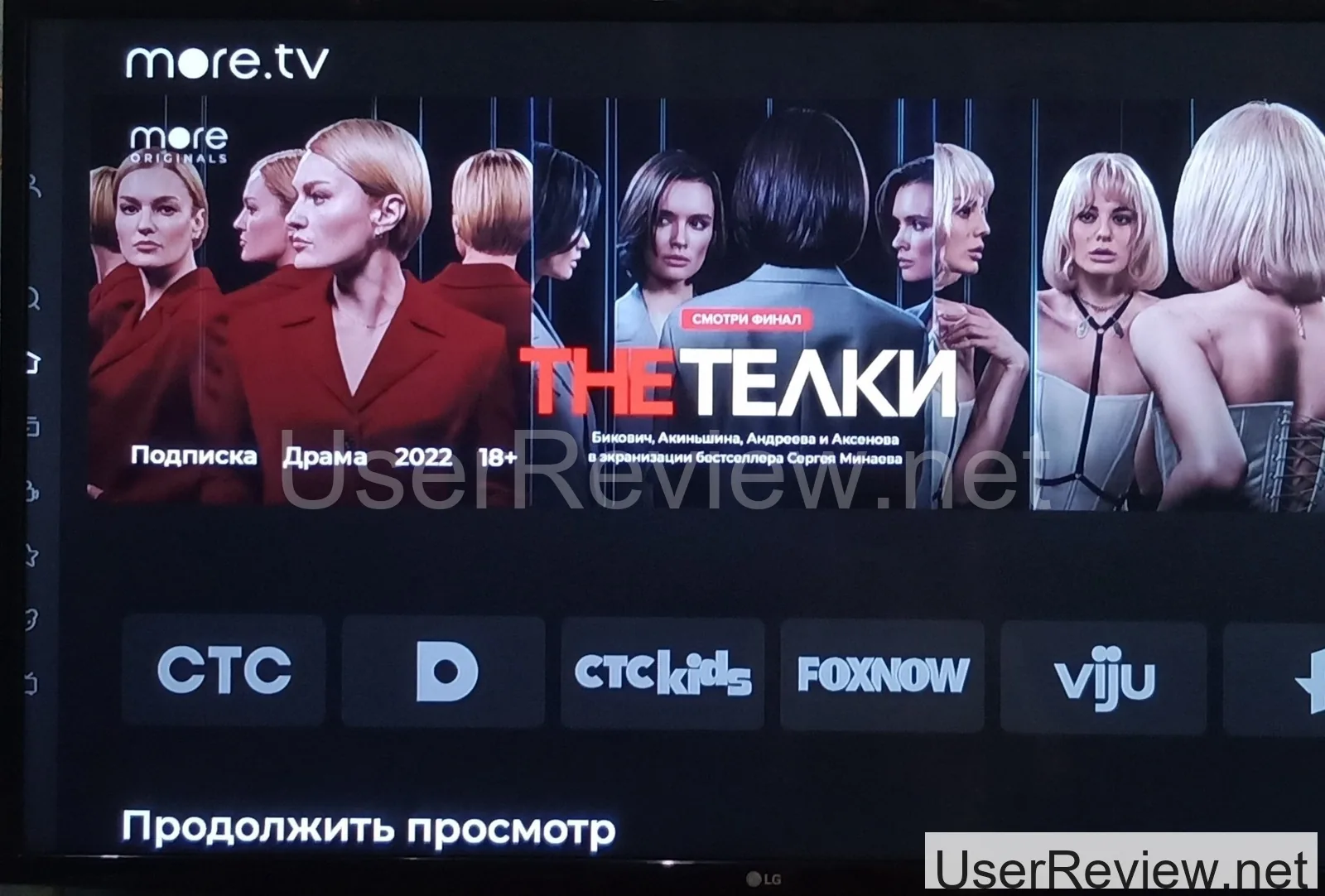
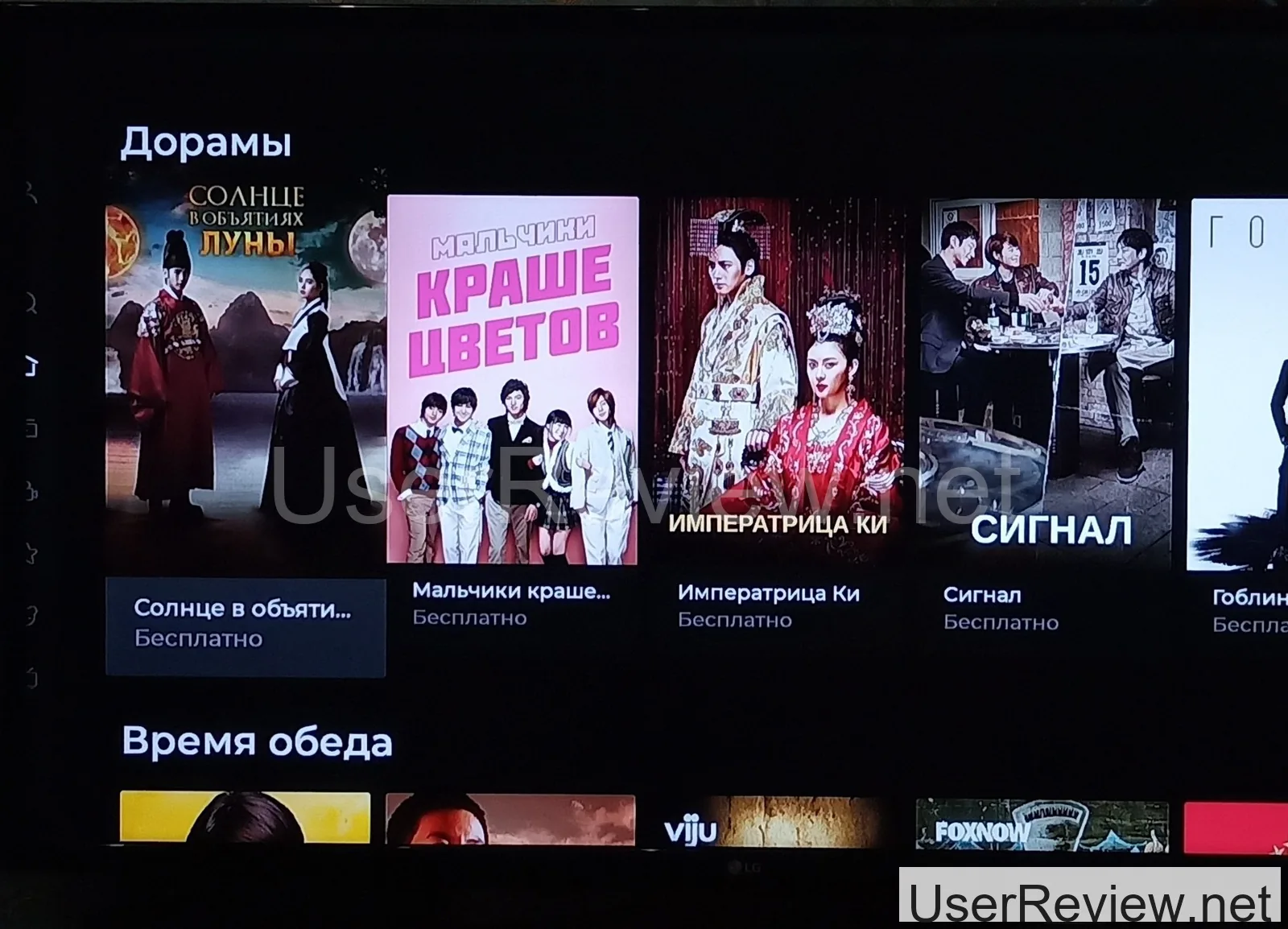
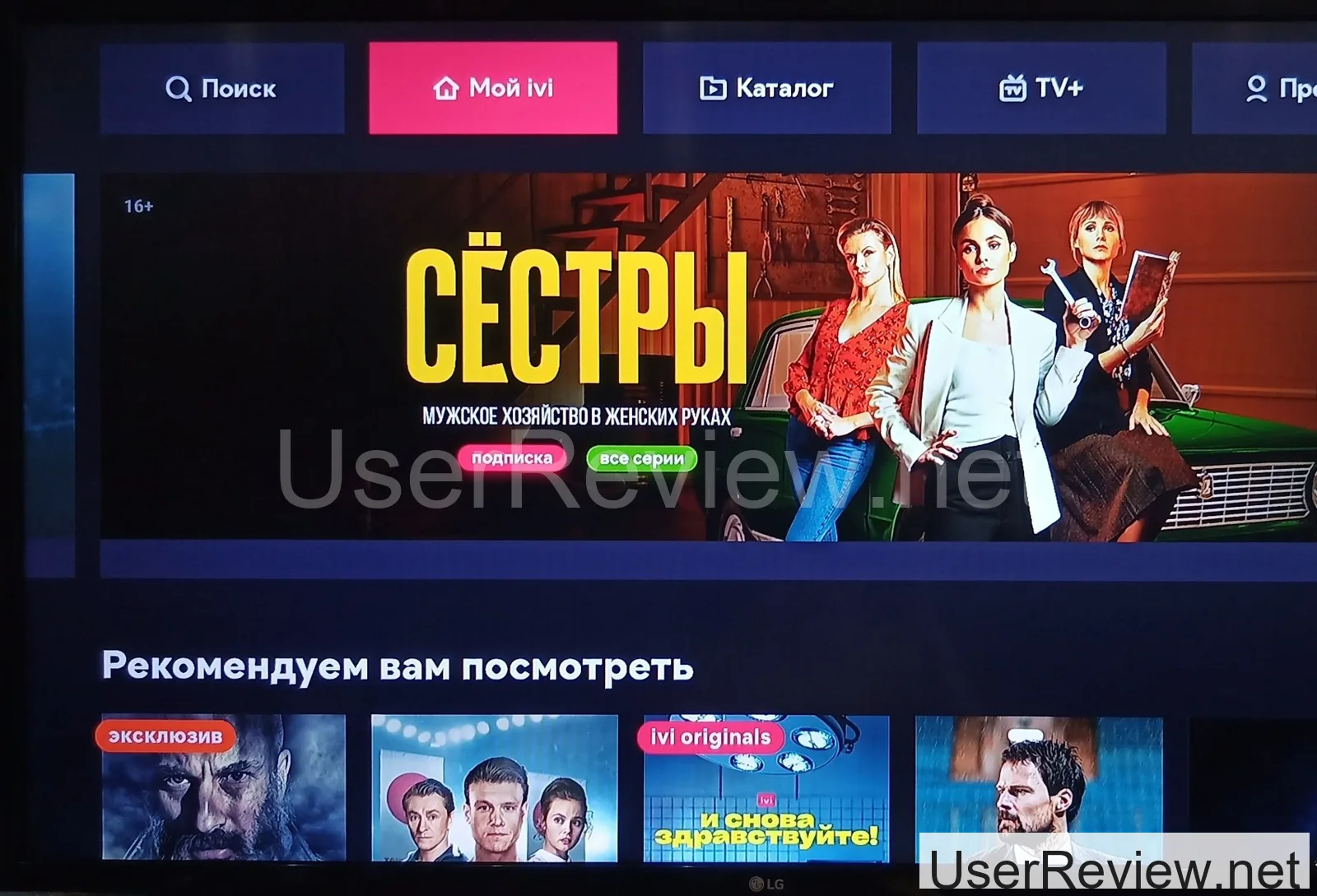
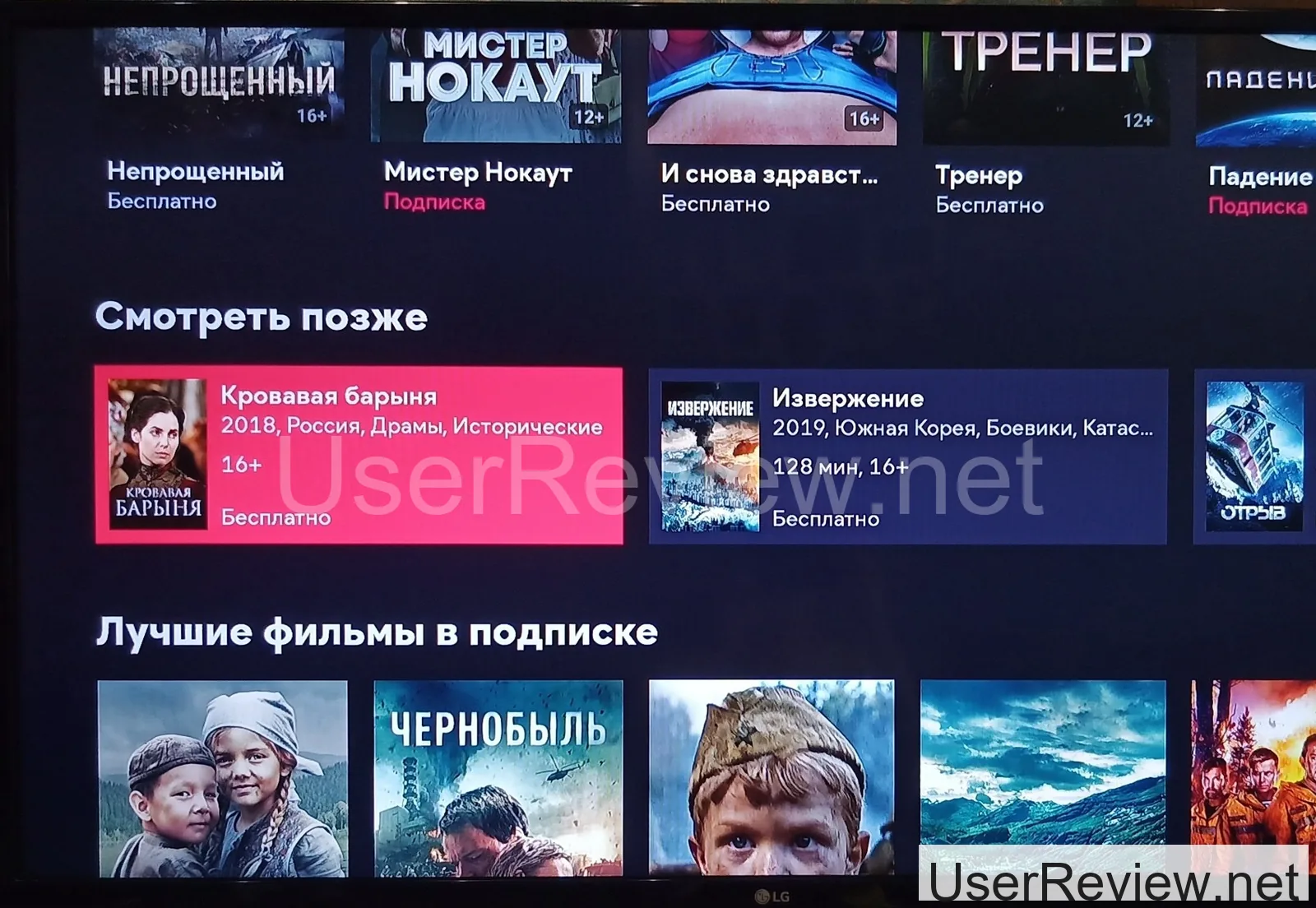
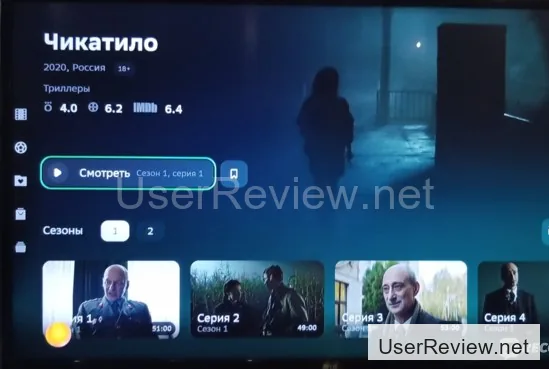
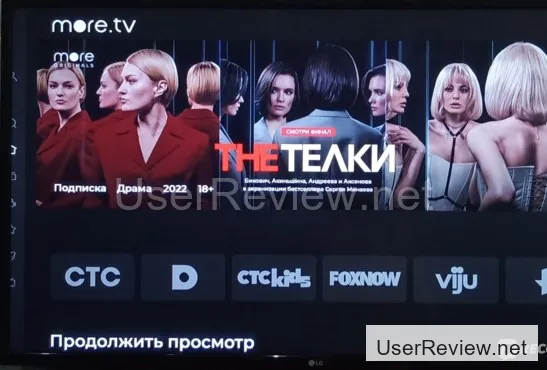
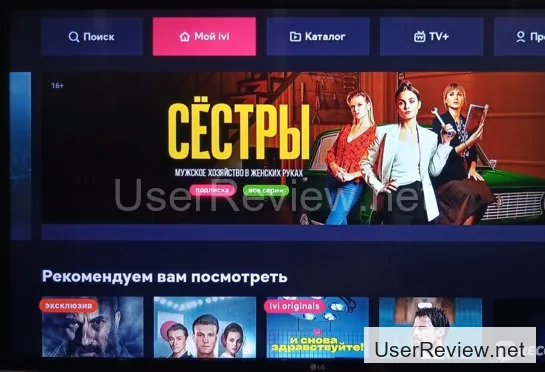
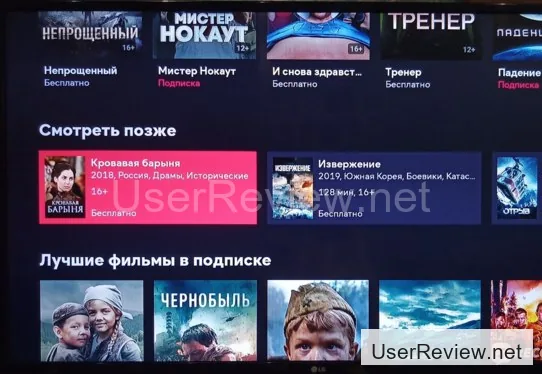
And if that's not enough, you can also install online streaming services like Wink, ivi, more.tv, and kion. I haven't used Wink or Kion much, since most of their content requires a subscription. But ivi and more.tv have a ton of movies and shows that you can stream without a subscription.
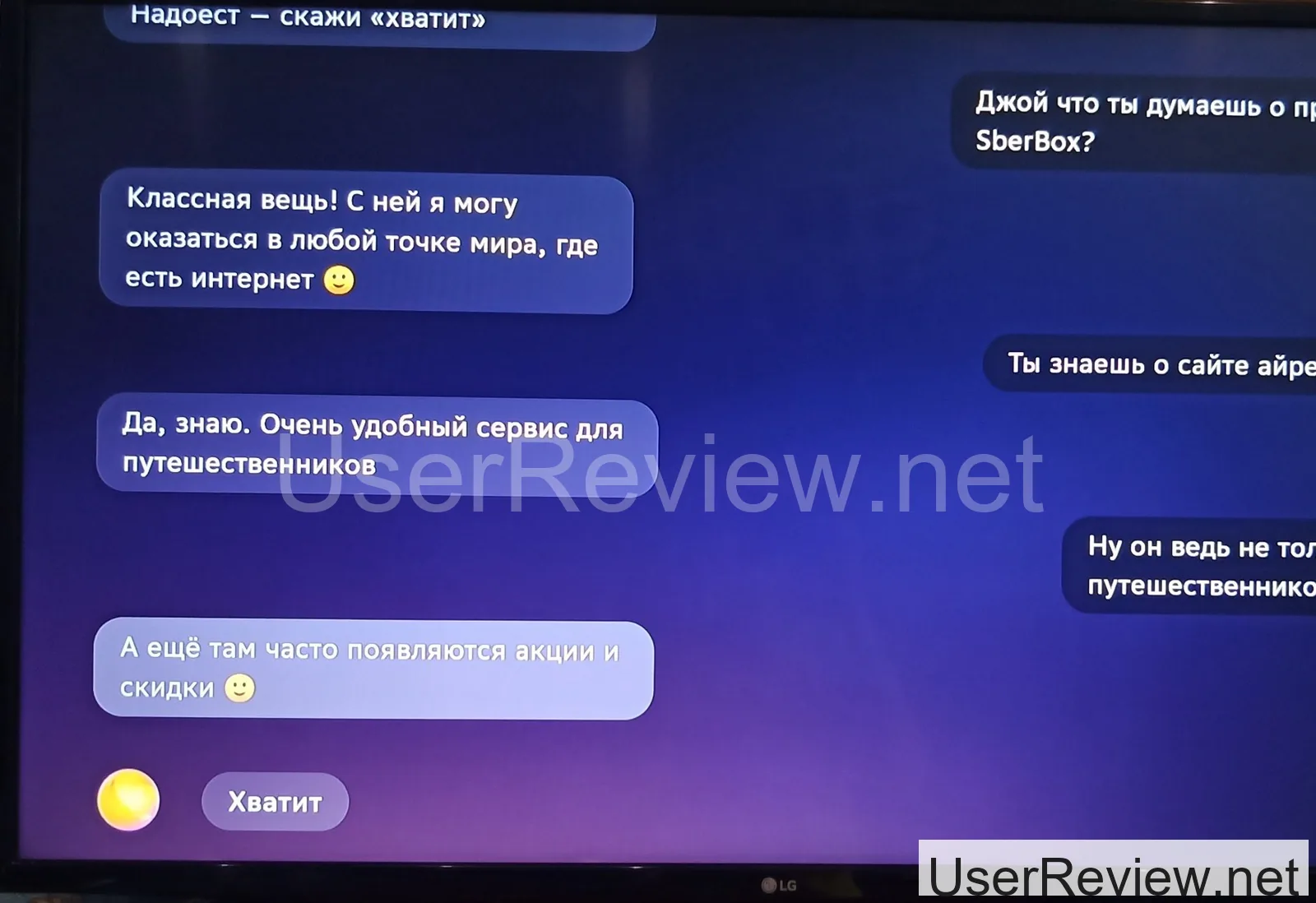
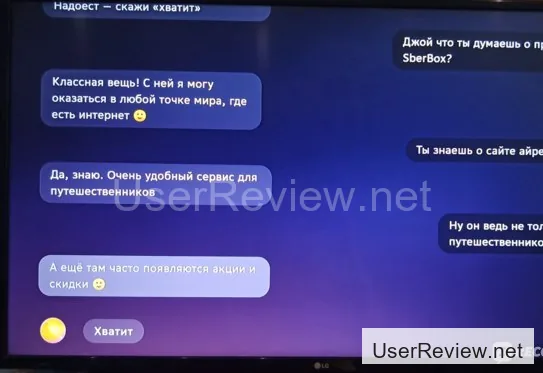
I've gotta say, the voice assistants on my SberBox are a total breeze to use. You've got three options: Sber, AfinA, and Joy. Sber's got a super polite but low-key vibe, always speaking in a formal tone. AfinA's a bit more business-like, but still polite, and it's also formal. Joy, on the other hand, is like the life of the party - it's chatty and loves to crack jokes, and it's way more casual. I've had zero issues with any of them handling simple tasks.
Now, I know some people might be bummed that you can't install third-party apps on the SberBox. But honestly, I'm good with what I've got. The SberBox's got all the functionality I need, and I'm actually thinking of ditching the subscription in the future. I can just stream movies and shows on YouTube or in my browser, and I don't need SberPrime for that. Plus, I can listen to music online without breaking the bank.
Overall, I'm super stoked with my SberBox. Being able to watch YouTube videos and movies on my TV without having to download them on my phone or laptop is a total game-changer for me. And kudos to Sber for making it all possible.